Larm
A sleep tracker & alarm that actually works.
Download on the App StoreiPhone · iOS · free to start · lifetime unlock or optional annual plan
Works offline
No accounts, no cloud, no network. All your data stays on your device.
No ads, no forced subscription
The core is free. Larm Pro is a one-time lifetime purchase — yours for life — or an optional annual plan with a 7-day free trial. You don't have to subscribe.
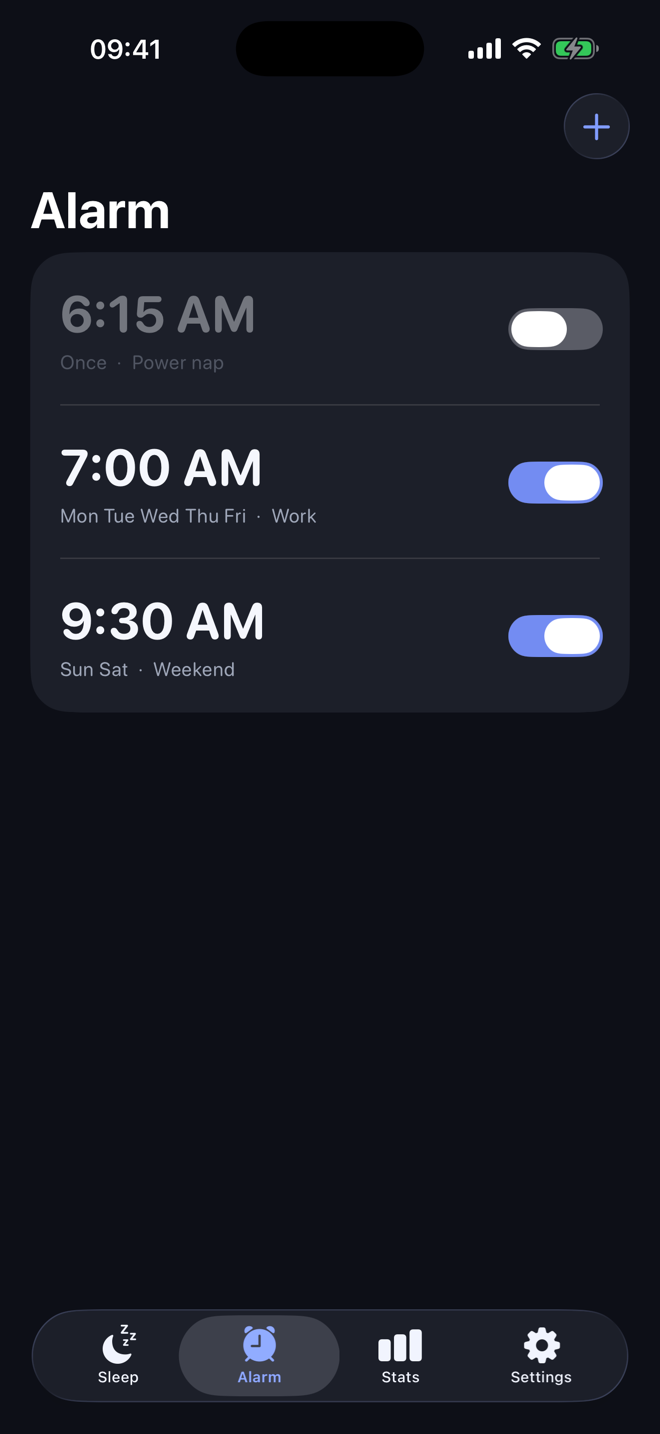
An alarm that wakes you
Built on Apple's AlarmKit: it rings loud and full-screen even on Silent or with a Focus on. The one thing an alarm has to get right.
What's inside
Free
- Set alarms — time, repeat, snooze
- Loud, reliable wake-up + snooze / dismiss
- Choice of alarm sounds
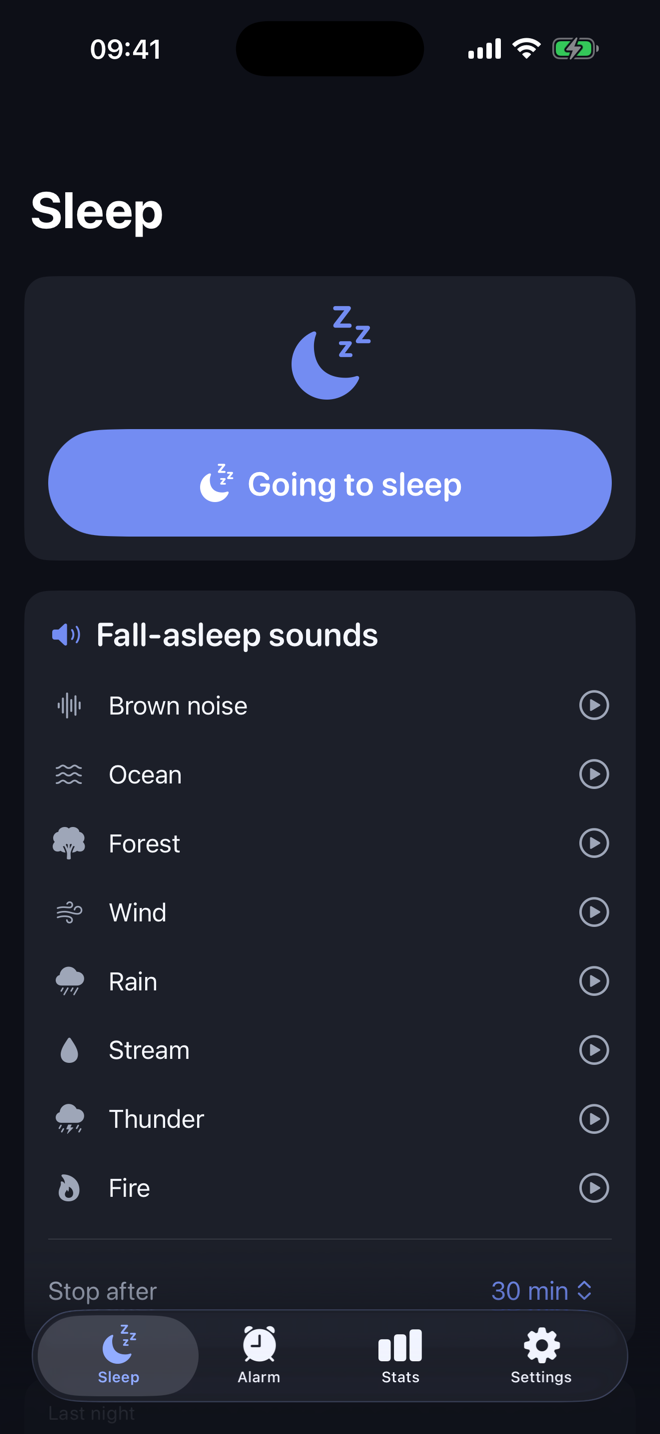
- Sleep mode: tap “going to sleep”, log your time in bed
- Basic sleep log
Premium lifetime or annual
- 7 real fall-asleep sounds — gapless loops (ocean, rain, fire…)
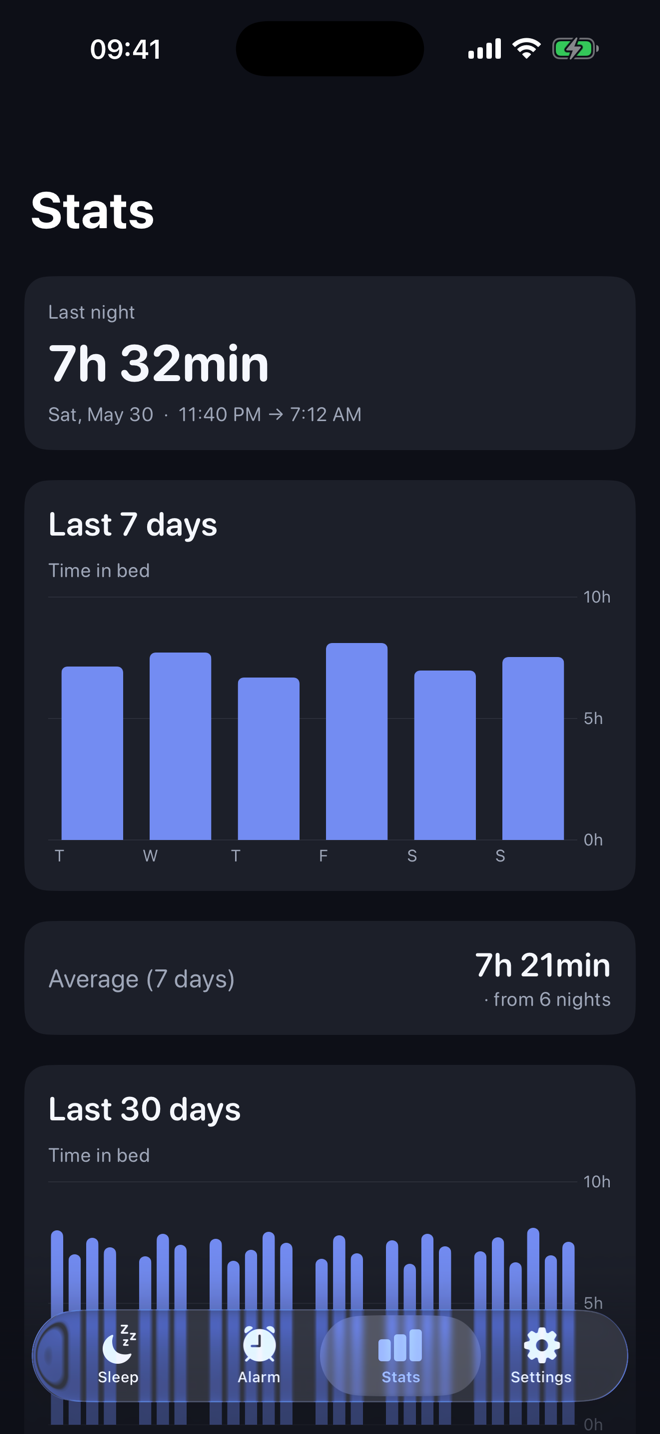
- 30-day sleep statistics, averages & streak
- Sleep timer & lock-screen playback controls
Questions people actually ask
Does the alarm ring when my iPhone is on Silent or in a Focus mode?
Yes. Larm uses Apple's AlarmKit framework (iOS 26), so alarms are scheduled by the system itself and ring loud and full-screen even with the Silent switch on, a Focus (like Sleep) enabled, or the app closed.
Is Larm really free? What does the one-time purchase unlock?
The core app is free: alarms with repeat and snooze, all alarm sounds, sleep mode and the sleep log. Larm Pro unlocks fall-asleep nature sounds and 30-day statistics — a one-time lifetime purchase, or an optional annual subscription with a 7-day free trial. No ads, and no forced subscription: you don't have to subscribe, since the lifetime option lets you pay once.
Does Larm work offline? Do I need an account?
Fully offline. No account, no sign-in, no cloud — all data stays on your iPhone.
Does Larm track sleep phases with the microphone or sensors?
No — and that's deliberate. You tap "going to sleep" and Larm logs your time in bed. No microphone listening, no motion sensing, no invented "deep sleep" numbers. Honest data only.
What iPhone do I need?
iOS 26 or later — the reliable alarm is built on Apple's AlarmKit framework introduced in iOS 26.